 EasySwitch
Two keyboards are one too many.
Keep the one you like. Your cursor slides off the edge of one screen onto the next computer, and the keyboard goes with it.
Ctrl+Alt+2 jumps straight to a machine
Keyboard and mousemacOS · Windows · Linux · your network only
Slide your cursor off one screen and onto the next computer. Your keyboard, clipboard and files go with it.
Free forever for 2 computers · Pro $49 once · No subscription
One desk
Keep the one you like. Your cursor slides off the edge of one screen onto the next computer, and the keyboard goes with it.
Ctrl+Alt+2 jumps straight to a machine
Keyboard and mouseText, images and files — between a Mac and a PC, where AirDrop won't go. Cmd and Ctrl are translated for you.
The shared clipboardDrag a file off one screen and drop it straight into Finder or Explorer on the other. Whole folders too.
File transferNew in 0.1.0 (b118) · Extend Pro
Pick a linked computer, choose Extend, and your machine gains a real second display — one your operating system treats like any other monitor.
60 fps
at the other screen's native resolution
No screen capture
the display is created empty — your desktop is never read
LAN only
encrypted straight between your machines, no server in between
The usual way
Whatever is on your screen leaves the machine.
EasySwitch
Your screen is never captured.
14-day money-back guarantee · How the display works
How it works
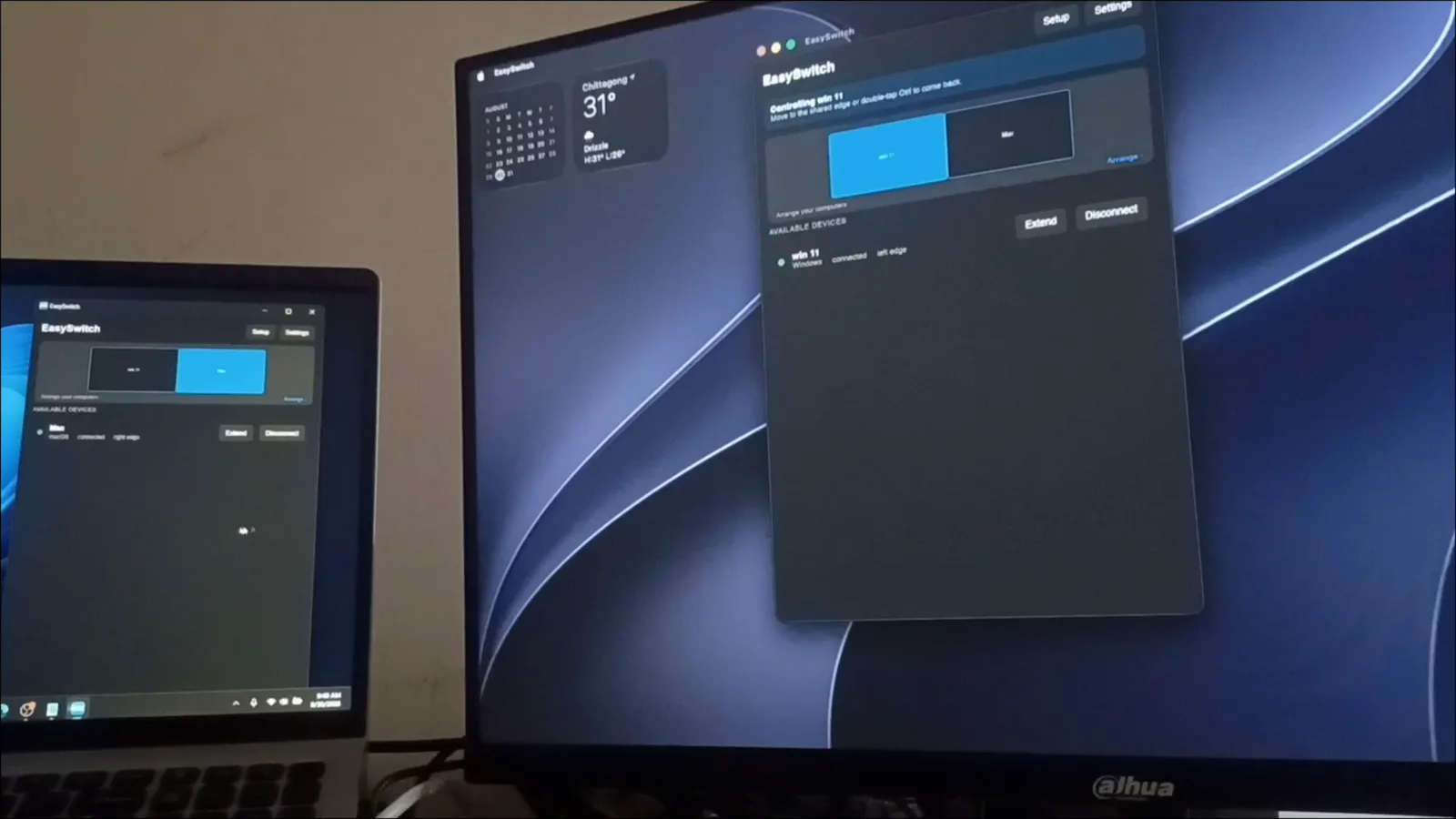
They find each other on your local network automatically — no IP addresses, no config files, no relay account.
Confirm the same fingerprint on both machines, then arrange them in Settings the way they sit on your desk — like a multi-monitor layout.
That's it. When you want a display instead of a cursor, pick the machine and hit Extend.
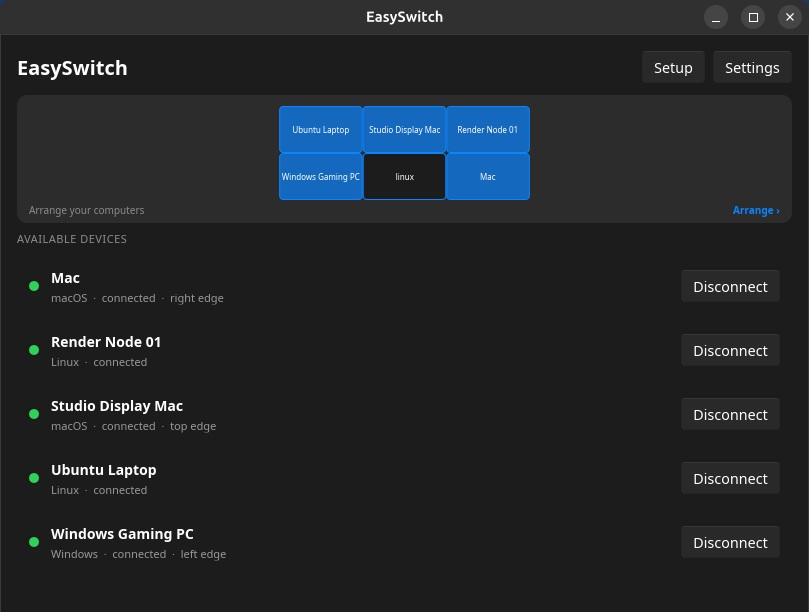
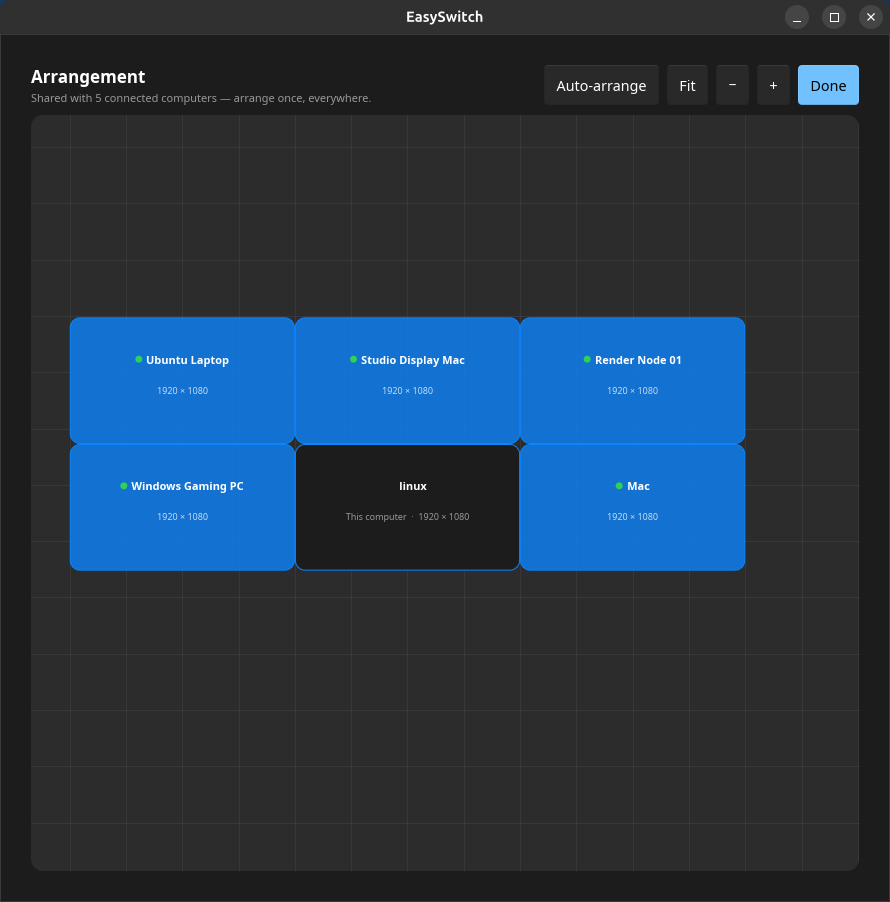
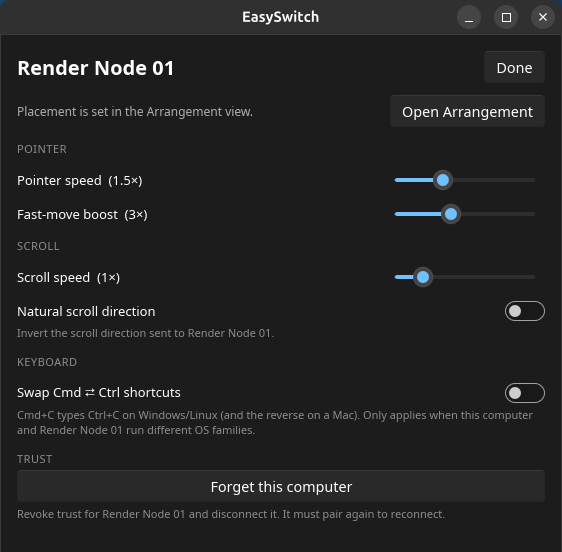
Two Macs, a Windows PC and three Linux machines — each with its OS, its status and the screen edge it sits on.
Private by design
Only your input, your clipboard and the files you move cross the network — end-to-end encrypted, machine to machine, on every tier. Extend adds one thing: a display it creates empty.
Read the privacy policyWhat crosses the wire
How it compares
| Capability | EasySwitch | Synergy | Deskflow | Duet Display | spacedesk |
|---|---|---|---|---|---|
| Windows, macOS & Linux | Yes all three | Yes all three | Yes all three | Partial no Linux; plus tablets | Partial Windows host only |
| Use another computer as a second monitor | Yes Pro | No | No | Yes | Yes |
| File transfer & drag-and-drop | Yes up to 10 MB free, unlimited on Pro | Partial newer versions | No | No | No |
As published 2026-09-04. Deskflow is excellent open source and spacedesk is genuinely free on Windows; if either covers your desk, use it happily. Every dimension: KVM software · second-screen software.
Pricing
Free
$0
forever, for 2 computers
Two computers, forever free. No key, no account needed.
Pro
$49
once. No subscription, ever.
One desk, fully linked — up to 5 computers, screens included.
14-day money-back guarantee · secure checkout by Paddle · key delivered instantly and activated offline after that
Need more than five computers? Business covers 25. Students and open-source maintainers get Pro free — ask us.
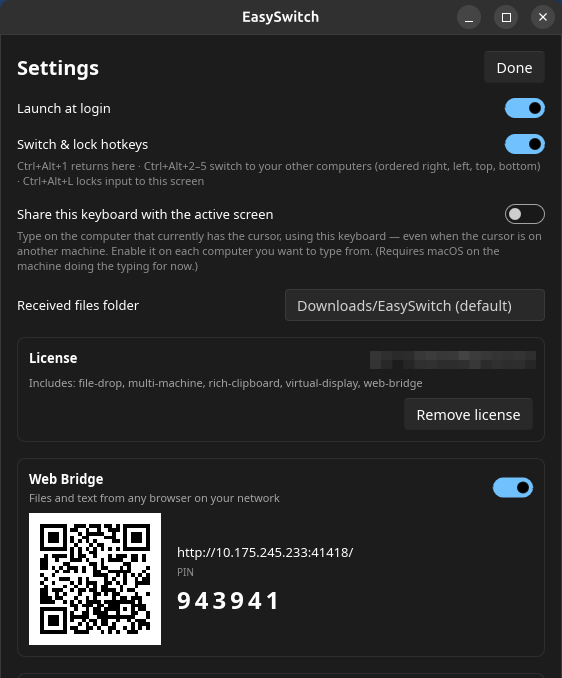
Yes — mouse, keyboard and clipboard (text, images and files up to 10 MB) across two computers are free forever, including drag-and-drop. Pro lifts the transfer limit to any size, links 5 computers and adds the web bridge and virtual displays — a one-time purchase, never a subscription.
EasySwitch is not remote desktop and never mirrors a desktop. Extend doesn't capture the screen you're using — it creates a brand-new, empty display and streams only that, only while you have it switched on, encrypted, over your own network. Leave Extend off and nothing but input, clipboard and your files ever moves.
Both. Any combination works — Mac to Windows, two Windows PCs, two Macs, Linux to anything — and on a mixed Mac/PC desk you can switch on Cmd ⇄ Ctrl shortcut swapping so copy/paste muscle memory follows you between them. There's no cross-platform requirement.
Everything else is in the full FAQ and the documentation.
Free forever for 2 computers. No account, no card.
Launched on 


